




 En
En  Português
 Svenska
 Türkçe
 Română
 Polski
 Français
 Español
 Deutsch
 Dansk
Dansk Suomi
Suomi Norsk Nynorsk
 Lietuviškai
 Magyar
 Ελληνικά
 日本語
日本語 Русский
 中文 (中国)
 Tiếng Việt
 Italiano
 Čeština
 Nederlands
 العربية


 Bitcoin
 Ethereum


CS2 is a free-to-play competitive shooter game available on Steam, and it can be started in just a few minutes. Here is our step-by-step tutorial on how to download, install, and play Counter-Strike 2 via Steam. There are practical beginner tips, a list of recommended CS2 launch options, and CS2 system requirements to ensure maximum performance. Our CS2 beginner guide allows you to dive into CS2 matches quickly, but with proper configurations right from the start, whether you are new to the game or returning from CS:GO.
How to Play CS2
To play a match, you will first have to set up a Steam account and install CS2. Follow the steps below to get started with CS2.
- Create a Steam account:
You need to first register on the Steam official website and verify your account. It is required to access and play the completely free-to-play CS2.
- Install Steam:
Install the Steam client on your PC or laptop, and proceed to log in with your Steam account details.
- Open Store Tab:
Open Steam, click on the Store tab, and all games will appear.
- Search for CS2:
Type Counter-Strike 2 in the search bar. It should appear at the top since it’s one of the most popular titles.
- Download and launch the game:
Click the install button to start downloading. After it’s finished, simply open it directly from your Steam library/desktop shortcut. This completes the CS2 setup and answers the question of how to play Counter Strike 2 for beginners.
Counter-Strike 2 System Requirements
Since CS2 is more demanding than CS:GO, meeting the proper counter strike 2 system requirements helps maintain stable FPS during matches. Meeting the recommended Counter-Strike 2 system requirements helps reduce stutters and improve overall responsiveness during matches.
| Type | Minimum Requirements (PC) | SteamOS / Linux | Recommended Requirements |
| OS | Windows 10 64-bit | Ubuntu 22.04 / SteamOS | Windows 11 64-bit |
| CPU | 4-core CPU (Intel i5-7500 / Ryzen 5 1600) | 4-core equivalent | Intel i5-12400 / Ryzen 5 5600 |
| RAM | 8 GB | 8 GB | 16 GB |
| GPU | GTX 1060 / RX 580 | Vulkan-capable GPU | RTX 3060 / RX 6700 XT |
| Storage | 85 GB SSD | 85 GB SSD | 85 GB NVMe SSD |
| DirectX | Version 11 | Vulkan | Version 12 support |
Recommended hardware also helps improve loading times and frame stability during competitive matches.
Best CS2 Launch Options
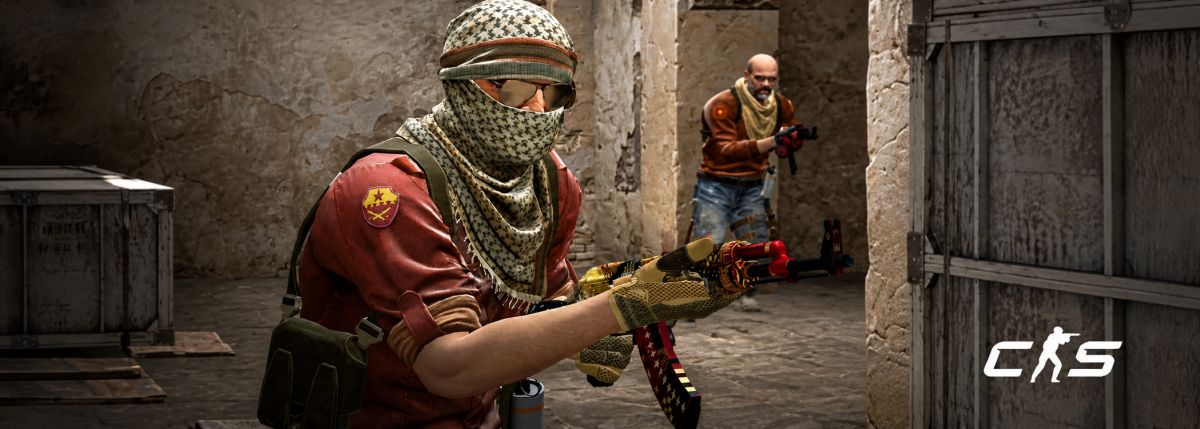
Based on our experiments, the best CS2 launch options can help improve startup behaviour, reduce stutters, and give a slight boost to the FPS stability (depending on your system). There are only a handful of things that are still relevant to CS2 in 2026, primarily for consistency of performance, display, and practice setup. The options below are still relevant and commonly used in current CS2 builds. For stability, the following launch options CS2 settings are recommended.
| Launch Option | What It Does | Recommended Usage |
| -novid | Skips intro video on launch | Always recommended |
| -fullscreen | Forces full-screen mode for better performance consistency | Recommended for competitive play |
| -high | Sets the game priority higher in the system | Use only on mid/low-end PCs |
| -refresh | Sets monitor refresh rate | Match your monitor (e.g., 144/240Hz) |
| -console | Enables the developer console | Useful for practice and configs |
Having very few options for launching CS2 will prevent conflicts and reduce performance issues. For most players, a small set of basic launch options is enough for stable gameplay and better responsiveness.
Installing CS2 on Steam
The game is only available on Steam, so you must have a Steam account to install CS2.
- First, you need to register for a Steam account, and then install the Steam client on your PC. After installation, log in and check to ensure that your profile is active.
- Then, proceed to open the Store tab and use the search bar to look up the Counter-Strike 2 game. Click on the official listing and add it to your library.
- Then click on “Install,” and the download will start. Please note: CS2 is fully free-to-play, so there will be no payment required to play the game.
- Next, Steam will proceed to do the installation automatically. When prompted, select the preferred location of installation.
- It is highly recommended to install CS2 on an SSD or NVMe drive rather than an HDD drive for better performance and faster loading times.
- Once the download is complete, launch the game directly from your Steam library and start playing.
Creating a CS2 Account
CS2 does not use a separate in-game account system.
- The game becomes available immediately after completing your Steam setup, since everything is linked directly to your Steam profile.
This makes it easy for you to get started after downloading CS2. - Your Steam profile name is your in-game username. You can choose it when you create your account and edit it at any time from the settings menu in your Steam profile.
- Use a secure password and set basic account security for added protection.
- After CS2 is installed, just open the game from your Steam library to go into matchmaking or practice modes.
- Your avatar and display name automatically carry over into CS2, and any changes you make in Steam will instantly reflect in-game without needing extra setup.
Understanding the CS2 Interface
From the main menu of CS2, players can easily access all the key features, such as Play modes, inventory, loadout, settings, and the in-game store. Its design purpose is for fast navigation, so you can jump into matches or adjust settings without delay after you download Counter-Strike 2.
Inventory and loadout manage skins and weapons, settings menu controls gameplay, video, audio, and controls. Here, you are able to tweak the keybinds to make it more comfortable to move and shoot. Your Steam friends list is also integrated on the side for quick invites and party setup.
Clarity is important when playing a match, and that is why customizing the HUD is important. The HUD scale can be adjusted, the color of the HUD can be changed, and visibility settings can be changed to make it easier to read. These minor adjustments help you track health, ammo, and radar more efficiently, particularly when you are learning how to play CS2 in competitive play.
Basic Controls and Movement
Basic controls in CS2 are simple, but require precision and timing. Move about the map using WASD (W = forward, A = left, S = back, D = right); move around constantly in battle. Tap firing is used for accurate shots, while spraying is more effective at close range.
Crosshair placement is the primary aspect of aiming, whereas scoped weapons (Use Mouse right click to scope), such as the AWP, can provide accuracy at great range. The Crouching (Ctrl key) option increases stability, Jumping (Spacebar) increases movement around obstacles, and interactions are dependent upon map objects.
In duels, counter-strafing is key for getting accurate shots in (Done by holding down any movement button); stopping movement for a short period of time before firing will help bullets land at the mark. Press E to interact with doors, bomb sites, and other map objects when needed.
Good movement discipline helps survival and improves consistency when learning how to play CS2 effectively in competitive matches. If you want to play ranked games, try out these fundamentals in Deathmatch or offline servers first.
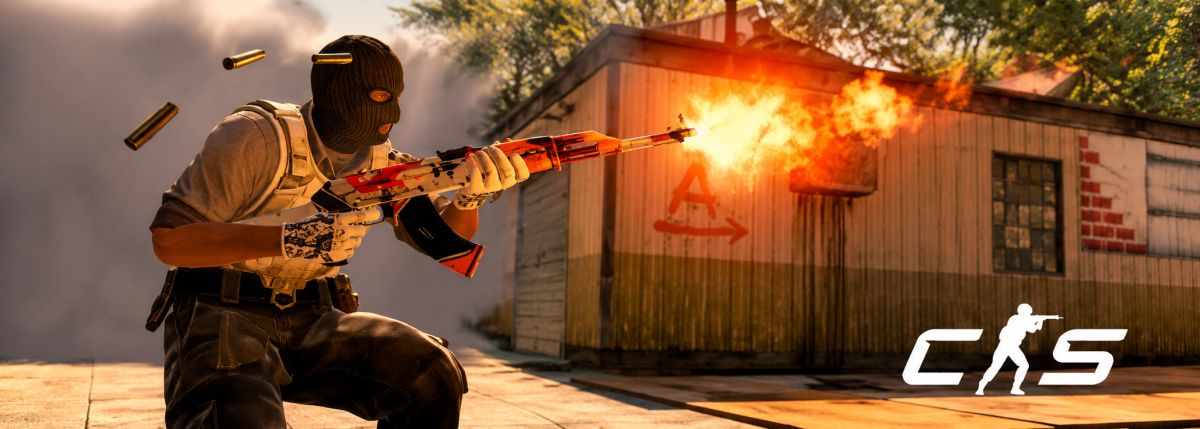
CS2 Game Modes
There are several modes available depending on the level of skill and outcome you’re looking for in CS2, ranging from casual play to ranked. These options are useful after downloading Counter-Strike 2 to ease players into the game.
- Premier:
This is the main ranked mode in CS2. Players go through a map veto before competing for a CS Rating. It’s the most competitive experience; it follows the active map pool.
- Matchmaking (Competitive):
This is the traditional ranked game mode where you can select specific maps to queue in. It’s a good way to learn maps one by one at your own speed.
- Wingman:
A 2v2 gameplay on smaller maps with one bombsite. This is for faster rounds and is great for close teamwork practice.
- Casual:
This is an unranked 5v5 mode for those who like the longer buy phases, relaxed game rules, and the more casual gameplay atmosphere.
- Deathmatch:
This is a quick respawn game that emphasizes aim training, recoil control, and pre-match warm-ups prior to ranked games.
- Private Matchmaking:
Private lobbies can be used for practice games with friends, bots, or community servers.
These modes help players adjust their skills in a gradual manner while learning CS2 mechanics and getting comfortable in various situations.
CS2 Gameplay Basics
The core of CS2 is round-based matches with the primary objective of winning more rounds than the opposing team.
- Game Objective: Terrorists’ objective is to plant and detonate the bomb while Counter-Terrorists protect sites and/or defuse the bomb. When you’re learning CS2, it’s important to know this goal.
- Team Dynamics: Most maps require coordinated pushes, rotations, and site defense.
- Players’ Roles: Usually, players play simple roles such as entry fragger, support, sniper, and anchor (based on player position).
- Communication: This is very important; it improves team performance through calling out enemy positions, using utility, and rotations. Rounds can be won with just simple information sharing.
- Utility Usage: Smokes, flashes, and Molotovs can be used to obstruct vision, clear lines of sight, or compel movement. Learning simple throws is enough at the start.
- Strategy and Economy: These are also important. Managing money across rounds, saving during eco rounds, and coordinating team buys ensures better weapons and armor in later rounds. Good economic decisions often decide matches more than raw aim when following CS2 beginner tips.
Connecting with the CS2 Community
The CS2 community can be found on Discord servers, Steam groups, and Reddit, where players share strategies, updates, and teammates. Playing with friends or active communities can help new players improve faster.
There are matchmaking and ladders in organized outside-ranked play on platforms such as FACEIT, which are more competitive. For environments requiring more skills, third-party services are still prevalent, but Premier is the officially ranked in-game system.
Community sites do sometimes have skins or case-opening features, but these are optional for playing the game. Focus on competitive and social spaces that help you improve and enjoy CS2 gameplay.
Tips for Beginners in CS2
The secret to good CS2 progress is simply playing it continuously and working on the basics instead of advanced mechanics.
- Movement practice: Learn the stopping procedure before shooting by using counter-strafing (tapping opposite movement keys). This will increase the accuracy and help to win early duels. Hone your skills in Deathmatch.
- Use of utilities: Start with simple smokes and flashes rather than complex lineups. Focus on simple passes, such as blocking chokepoints or flashing before entry. Once you get the hang of it, you can learn more organized setups.
- Economy management: Don’t buy every round if it’s not needed. Save in case you need it in the future, coordinate team purchases, and try to obtain whole rifles with utility rather than random buys.
- Crosshair placement & aim: Maintain crosshair at head level when passing through common angles. This cuts down on reaction time and increases kill efficiency. Use aim training maps and/or deathmatch to help ingrain habits.
These are some CS2 beginner tips that will help newbies get a good start. These CS2 tips and tricks can help new players improve and avoid common mistakes. By concentrating on the basics, you will gradually improve and get better at Counter-Strike 2 over time.
FAQ
Is Counter-Strike 2 free?
Yes, CS2 is 100% free on Steam. All core game modes will be available without paying for the game.
How to download CS2 on Steam?
Download and install Steam, look for Counter-Strike 2 in the store, and click install. It will be automatically added to your game library and downloaded.
Can you play CS2 without Prime?
Yes, but non-Prime accounts might have restricted matchmaking capabilities. Prime is suggested for more competitive games.
How much space does CS2 need?
CS2 needs approximately 85 GB of space. Using SSDs is recommended for faster loading and smoother performance.
Can you play Counter-Strike 2 on Mac?
No, CS2 won’t run on macOS because it is not officially supported. To play CS2 on a Mac, you’d need to run Windows or a supported Linux distribution via Boot Camp, virtualization, or dual-boot solutions, but performance and compatibility may vary.
What are the best CS2 launch options?
Some helpful CS2 launch options are novid, fullscreen, and refresh rate settings. These can help improve startup time and display consistency.
How to get better at Counter Strike 2 for beginners?
Focus on aim, movement, and basic utility usage before learning advanced tactics. The best strategy to improve is consistent practice in Deathmatch and learning maps!

Leave a comment