




 En
En  Português
 Svenska
 Türkçe
 Română
 Polski
 Français
 Español
 Deutsch
 Dansk
Dansk Suomi
Suomi Norsk Nynorsk
 Lietuviškai
 Magyar
 Ελληνικά
 日本語
日本語 Русский
 中文 (中国)
 Tiếng Việt
 Italiano
 Čeština
 Nederlands
 العربية


 Bitcoin
 Ethereum


CS2 is a first-person shooting game, so aiming matters, obviously. One shot, one kill – that’s where the right crosshair can help you. Good CS2 crosshairs make it easier to track targets, line up headshots, and stay focused during fights. Logically, many pros use CS2 pro crosshairs as a starting point for their own settings.
Now, we have made this guide so you can find popular CS2 crosshair codes used by professional players in 2026. A couple of tips on how to import them and adjust the settings to match your playstyle, and that’s the whole picture.
Best CS2 Pro Crosshairs
The CS2 pro crosshairs below are some of the most popular settings used by professional players in 2026. Many players use these CS2 crosshair codes because they have been tested at the highest level of competition and can provide a solid starting point for different playstyles, whether you prefer rifling, AWPing, or aggressive entry fragging.
Be aware that even the best CS2 crosshairs look slightly different on each device. That mostly depends on your resolution, monitor settings, aspect ratio, and display scaling. We also confirmed that a crosshair that works perfectly for one player can require small adjustments to feel comfortable on your setup. So, don’t be afraid to experiment after importing the code.
| Player | Team | Crosshair Code |
| s1mple | BC.Game | CSGO-iCxok-KTVNX-shCzf-Evoek-weaAB |
| NiKo | Falcons Esports | CSGO-s2LGz-Tkrzm-3fxqO-AwOnQ-7WiGH |
| ZywOo | Team Vitality | CSGO-FNOLG-fQcPX-V8P7K-VqtAf-ZbJaA |
| m0NESY | Falcons Esports | CSGO-fdBDn-SmBER-ZeejC-iw5tu-kHk9Q |
| donk | Team Spirit | CSGO-O36iX-6VGeQ-pnJLm-UWkab-osuWK |
| device | 100 Thieves | CSGO-LGmOn-S2NST-afHBQ-iGvOy-2XT4M |
| ropz | Team Vitality | CSGO-5UHEt-3RFCY-4Nu8t-4UYGQ-vJN2G |
| Twistzz | FaZe Clan | CSGO-VjF2S-HLdS4-jSpcw-GrdHu-2yDRE |
| sh1ro | Team Spirit | CSGO-bk5KR-52jw7-tKRaw-7kzdw-hOxoO |
| Ax1Le | TDK | CSGO-hecd2-kH5iK-dqESc-5nLPu-CnpJN |
| blameF | BIG | CSGO-cbemP-4Khr9-JB6DQ-yr5Yo-AAjLJ |
| YEKINDAR | FURIA | CSGO-se6vw-7D8FH-Eu5Po-BbXdw-CnpJN |
| ELiGE | Team Liquid | CSGO-9Xqnn-EfrJy-eq2pc-M8Yxa-zqLDR |
| KSCERATO | FURIA | CSGO-ssxCh-Y9LFi-B9amu-NWkZo-ObaAB |
| stavn | Ninjas in Pyjamas | CSGO-ZRvam-DXhLD-XN2xf-pA5Dm-df5BO |
s1mple Crosshair Code

The s1mple crosshair is as simple as it gets, and this shows us that skill can’t be ‘’adjusted’’, ‘’bought’’, only learned. Currently playing for BC.Game, s1mple uses a small static cyan crosshair with a very tight gap, no outline, and no extra visual clutter. The result is a super simple sight picture that helps with precise shots and fast target acquisition. It is especially popular among AWPers, but riflers looking for a simple, competition-tested setup will feel right at home with these settings.
NiKo Crosshair Code
If crisp rifle aim had a mascot, it would probably be NiKo. Now playing for Falcons Esports, NiKo uses a small static green crosshair with a tight gap and minimal visual noise. The setup is built for precision, making it a popular choice among riflers who rely on sharp first-bullet accuracy and clean spray transfers. The NiKo CS2 crosshair code is one of the most copied settings in the game and remains a solid option for players who want a simple but highly effective crosshair.
ZywOo Crosshair Code
No neon colors or ‘’imba’’ settings to be on top of the kill chart list – that’s what the ZywOo CS2 crosshair code proves. Team Vitality’s superstar keeps things simple with a small static white crosshair, a tight gap, and zero distractions. It is easy to track, easy to see, and never steals your attention during hectic fights. If your current crosshair feels like it is trying too hard, ZywOo’s setup is a good reminder that sometimes less really is more.
m0NESY Crosshair Code
The m0NESY CS2 crosshair code is about as sharp as his flick shots. Now playing for Falcons Esports, m0NESY uses a compact yellow crosshair with a tight gap and no outline, making it easy to track targets without cluttering the screen. It is built for fast reactions, aggressive peeks, and the kind of confidence that comes from knowing exactly where the center of your screen is. If you like taking quick fights and trusting your aim, this setup is worth a try.
donk Crosshair Code
The donk CS2 crosshair code is exactly what you’d expect from one of the most aggressive riflers in the game. Team Spirit’s superstar keeps things simple with a small green crosshair, a very tight gap, and no outline. There is nothing fancy here. Just a clean setup that lets raw aim do the talking. If you like taking fights head-on, swinging corners with confidence, and trusting your mechanics, donk’s crosshair is a great place to start.
device Crosshair Code
The device crosshair code is not for everyone. Its extremely compact design is built around precision and works best for players who prefer a minimal sight picture. Device’s crosshair uses a cyan color, a center dot, and an outline. The combination provides a clear aiming point while keeping screen clutter to a minimum, making it well-suited for accurate long-range shots. Now, imagine the precision. It is clean, easy to track, and definitely for players who prefer precision on long shots. The compact design keeps visual clutter to a minimum, making it easier to maintain focus during hectic rounds filled with utility usage.
ropz Crosshair Code
The ropz CS2 crosshair code is exactly what you would expect from one of the smartest riflers in the game. Now playing for Team Vitality, ropz uses a green static crosshair that is slightly larger than what many pros prefer. Nothing fancy, nothing distracting. Just a setup built for consistency. If your aim style is more about clean crosshair placement than wild flicks, you’ll probably feel right at home. Sometimes the best crosshair is the one that quietly does its job while you focus on winning rounds.
Twistzz Crosshair Code
The Twistzz crosshair code is a perfect match for one of the smoothest aimers in Counter-Strike. Playing for FaZe Clan, Twistzz uses a tiny green crosshair with an extremely tight gap that keeps the screen clean and focused. At first glance, it might look too small for most players, but that is exactly the point. The setup rewards precise crosshair placement and disciplined aim. If you prefer letting your positioning and mechanics do the work, Twistzz’s crosshair is definitely worth testing.
sh1ro Crosshair Code
The sh1ro crosshair code is about as reliable as they come. Team Spirit’s AWPer uses a small green crosshair with a tight gap and just enough visibility to keep things clear without taking over the screen. No weird colors. No flashy settings. Just a clean setup that lets you focus on hitting shots. If you’re the kind of player who would rather win a round with one perfect bullet than ten risky peeks, sh1ro’s crosshair will probably make a lot of sense.
Ax1Le Crosshair Code
The Ax1Le crosshair code is designed for players who value a clean and consistent aiming experience. Currently playing for TDK, Ax1Le uses a small cyan crosshair with a tight gap and a subtle outline. The setup focuses on visibility and precision, making it a solid choice for players who value consistent aim and clean sightlines. It is clean, reliable, and built for players who value smart positioning and consistent aim. This setup works well for players who prefer controlled aim duels and disciplined crosshair placement.

blameF Crosshair Code
The blameF crosshair code is about as straightforward as it gets. Playing for BIG, blameF uses a small green crosshair with a tight gap and no outline, keeping the screen clean and easy to read. It is the kind of setup that doesn’t try to impress anyone; it just helps you focus on hitting your shots. If you find yourself constantly tweaking settings and still missing, blameF’s crosshair is a good reminder that simple often works best.
YEKINDAR Crosshair Code
The YEKINDAR crosshair code is small and easy to follow when stuff starts happening. FURIA rifler YEKINDAR uses a green crosshair with a tight gap and no outline. Many professional players prefer smaller crosshairs because they provide a clearer view of opponents during gunfights. This setup is particularly well-suited to aggressive riflers who rely on fast reactions and confident aim. Players who enjoy taking initiative in duels may find it especially comfortable. It gives you a clear view of your target and keeps distractions to a minimum.
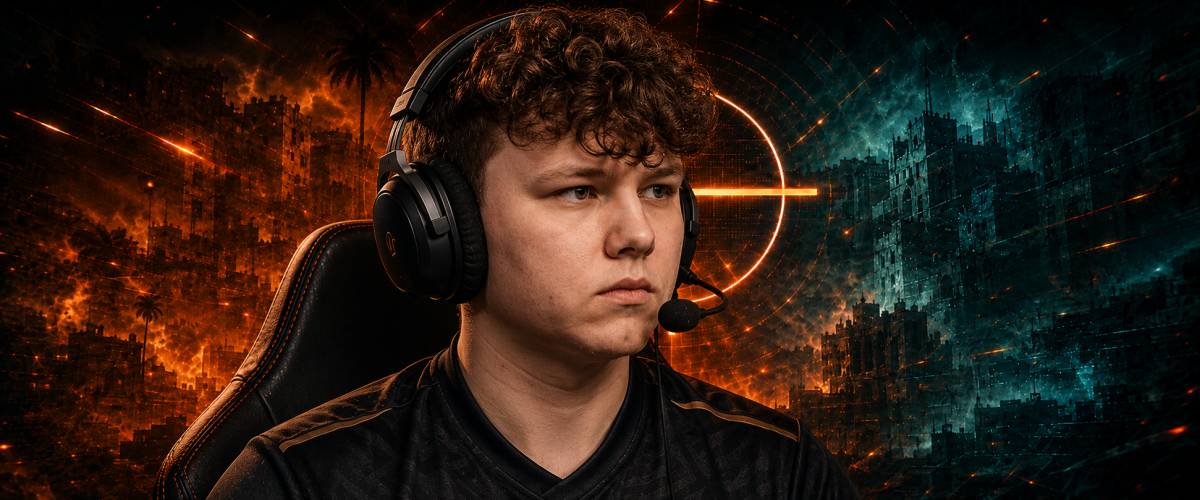
ELiGE Crosshair Code
The ELiGE crosshair code is also small, so it’s best for players who trust their raw aim. Team Liquid’s star rifler uses a green crosshair with a tight gap and no outline. This is just the basic setup, so don’t expect anything fancy or wow. ELiGE has always been known for winning aim duels, and his crosshair reflects that. This setup is best for riflers who like taking direct fights and snapping onto heads. If you spend more time aiming than spraying, you’ll probably feel comfortable with this one. Small crosshair, clear view, and plenty of room to click heads.
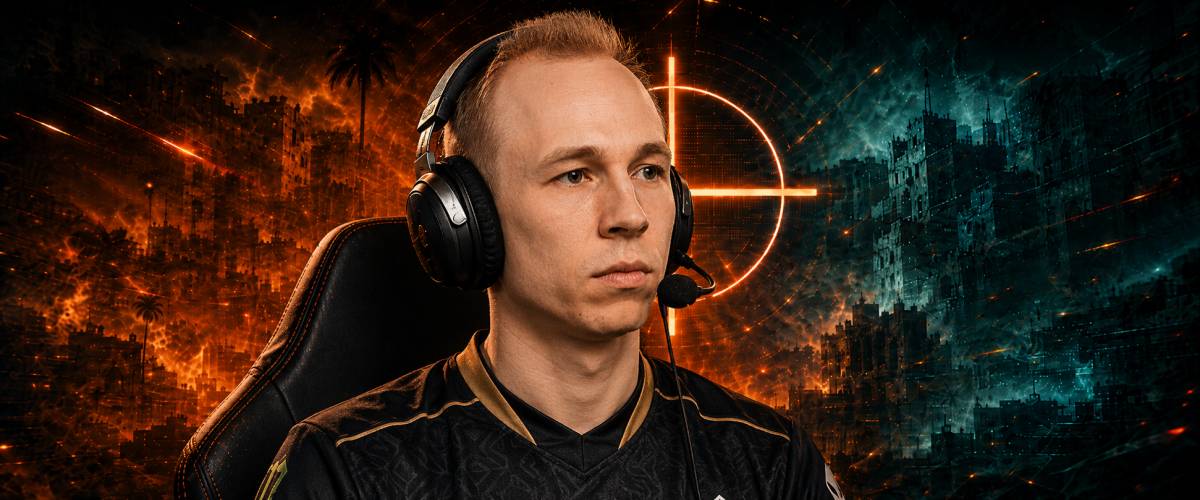
KSCERATO Crosshair Code
The KSCERATO crosshair code is a little different from most setups on this list. FURIA rifler KSCERATO uses a larger yellow crosshair with a very tight gap and a subtle outline. Some players prefer tiny crosshairs, but KSCERATO clearly likes having something easier to spot during fights. The slightly larger size can make the crosshair easier to track during hectic fights while still maintaining a precise aiming point.
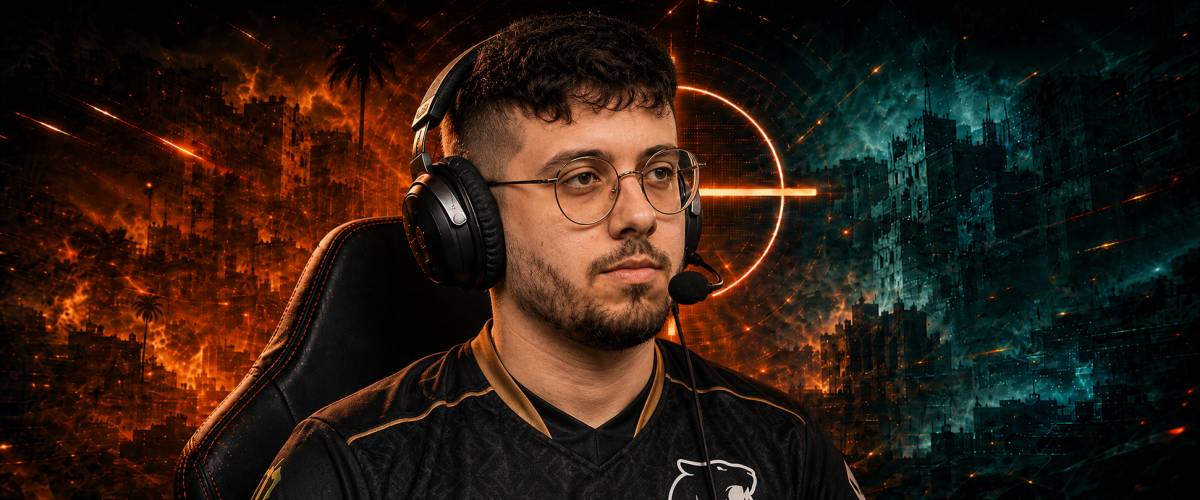
stavn Crosshair Code
The stavn crosshair code is another reminder that simple settings usually age the best. The Ninjas in Pyjamas AWPer uses a small cyan crosshair with a very tight gap and no outline. It is easy to see, easy to track, and doesn’t get in the way when things get messy.
The setup is designed for players who value precise crosshair placement and controlled aim. If you prefer accuracy over constant spray fights, it is worth testing.
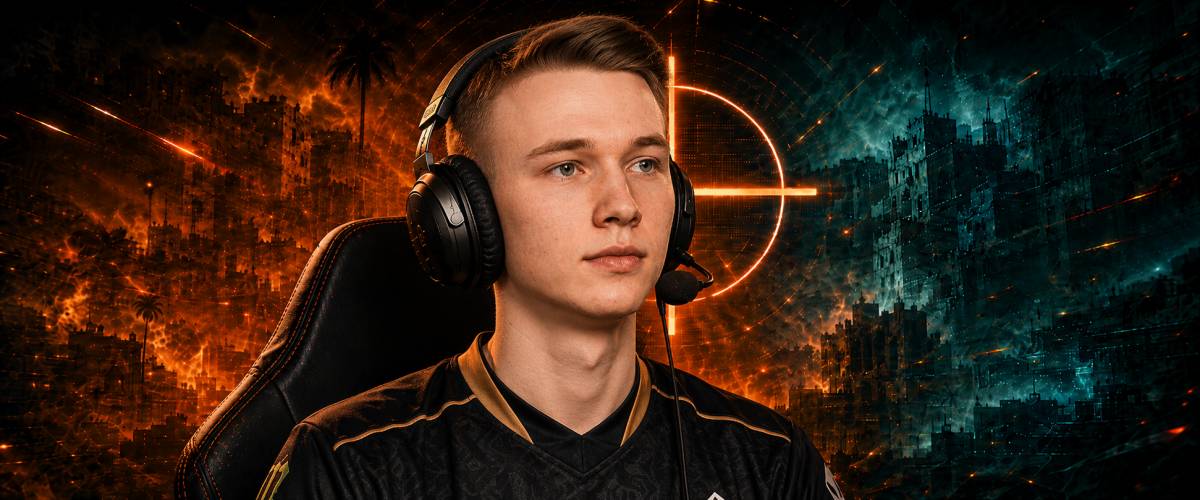
How to Copy Crosshairs in CS2
Copying CS2 crosshair codes is much easier than manually changing every setting. Valve added a built-in import feature, so you can use the exact CS2 crosshairs used by pro players in just a few clicks.
- Copy the crosshair code you want to use.
- Launch CS2 and open the main menu.
- Go to Settings → Game → Crosshair.
- Click Share or Import.
- Paste the crosshair code into the empty field.
- Click Import.
That’s it. Your new CS2 crosshair will be applied instantly. If it doesn’t feel quite right, you can still adjust the color, size, gap, and other settings to better match your playstyle.
How to Create Your Own CS2 Crosshair
To create your own CS2 crosshair, go to Settings → Game → Crosshair and start adjusting the available options until the crosshair feels comfortable for your playstyle. There is no single setup that works for everyone, which is why many players end up creating their own instead of copying CS2 pro crosshairs.
Start with color. Green, cyan, and white are popular choices because they stay visible on most maps. Bright yellow can work too, but it may blend into certain areas on Dust 2, Mirage, or Anubis.
Next comes size. Smaller crosshairs for CS2 offer more precision and are preferred by many experienced players. Larger crosshairs are easier to track and can be more comfortable for newer players.
It is also worth experimenting with static and dynamic crosshair styles:
- Static crosshairs never move and are preferred by many professional players because they provide a consistent point of reference.
- Dynamic crosshairs expand while shooting and moving, which can help newer players better understand recoil and movement mechanics.
And yes, the Follow Recoil option. It shows where your spray pattern is moving and can be useful for learning recoil control. Once you become comfortable with spray patterns, you can decide whether to keep it enabled or switch it off.
CS2 Crosshair FAQ
What Is the Best CS2 Crosshair in 2026?
There is no single best crosshair. Many players start with popular CS2 pro crosshairs from players like ZywOo, donk, or m0NESY and then make small adjustments to fit their preferences.
Which CS2 Crosshair Is Best for Beginners?
A medium-sized static crosshair is usually the easiest to learn with. It stays visible during fights and makes it easier to understand where you’re aiming.
Are Pro Player Crosshairs Better Than Default Settings?
Not always, but they are often a better starting point. Professional players spend thousands of hours testing settings, so their best crosshairs for CS2 are usually well-optimized for competitive play.
Do CS2 Pros Use Static or Dynamic Crosshairs?
Most pros use static crosshairs because they remain consistent while moving and shooting. Dynamic crosshairs are more common among newer players learning recoil and movement.
Does Crosshair Size Affect Accuracy in CS2?
The crosshair itself does not change weapon accuracy. However, the right size can make it easier to place your aim correctly and track targets during fights.

Leave a comment